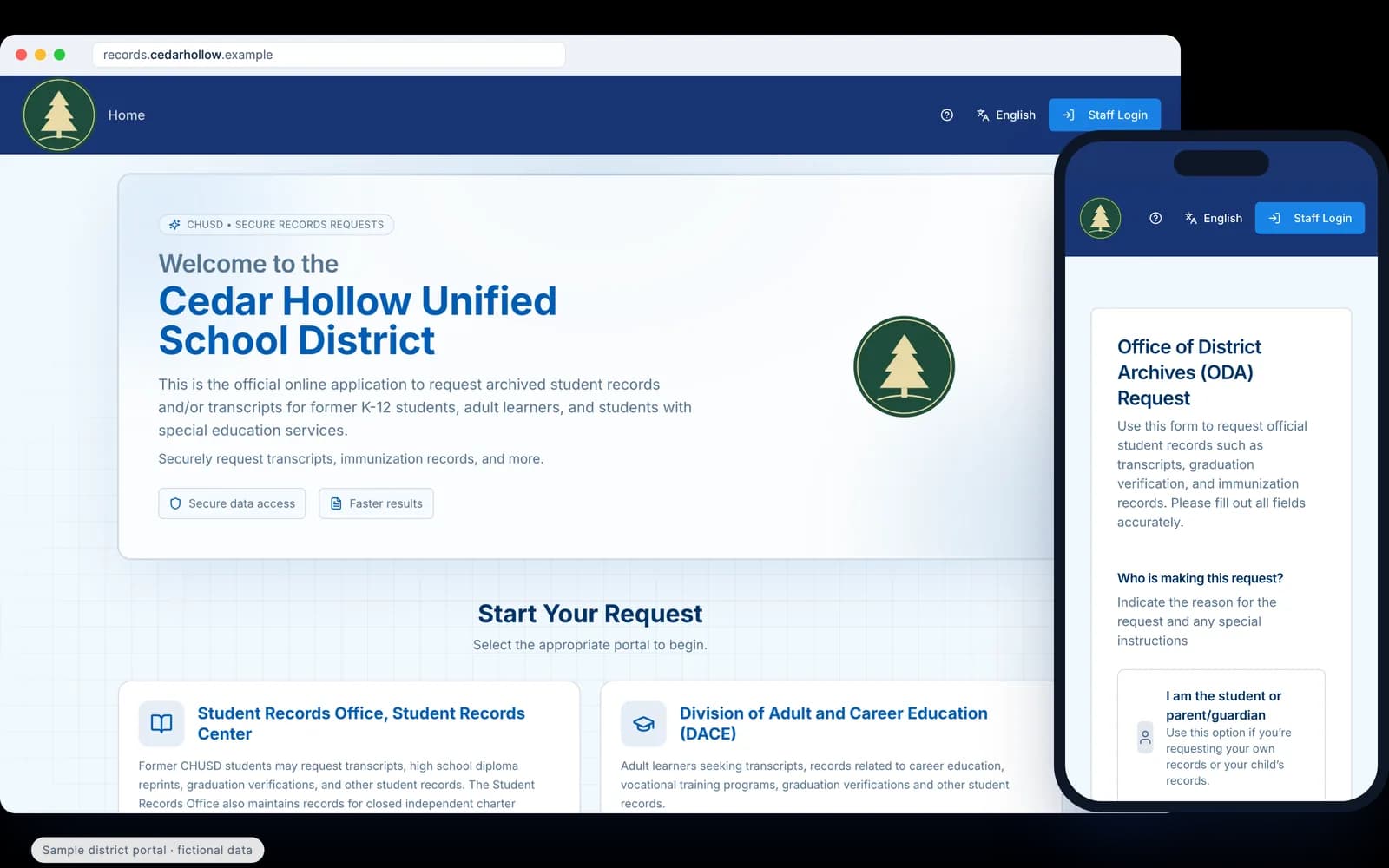
Every records request, priced, dated and delivered.
Requesters get one price up front, an expected-by date and proof of delivery. Your staff get one queue for every department. Built for K-12 districts, colleges and universities, and county offices of education.
A clear price and a real date, before anyone pays.
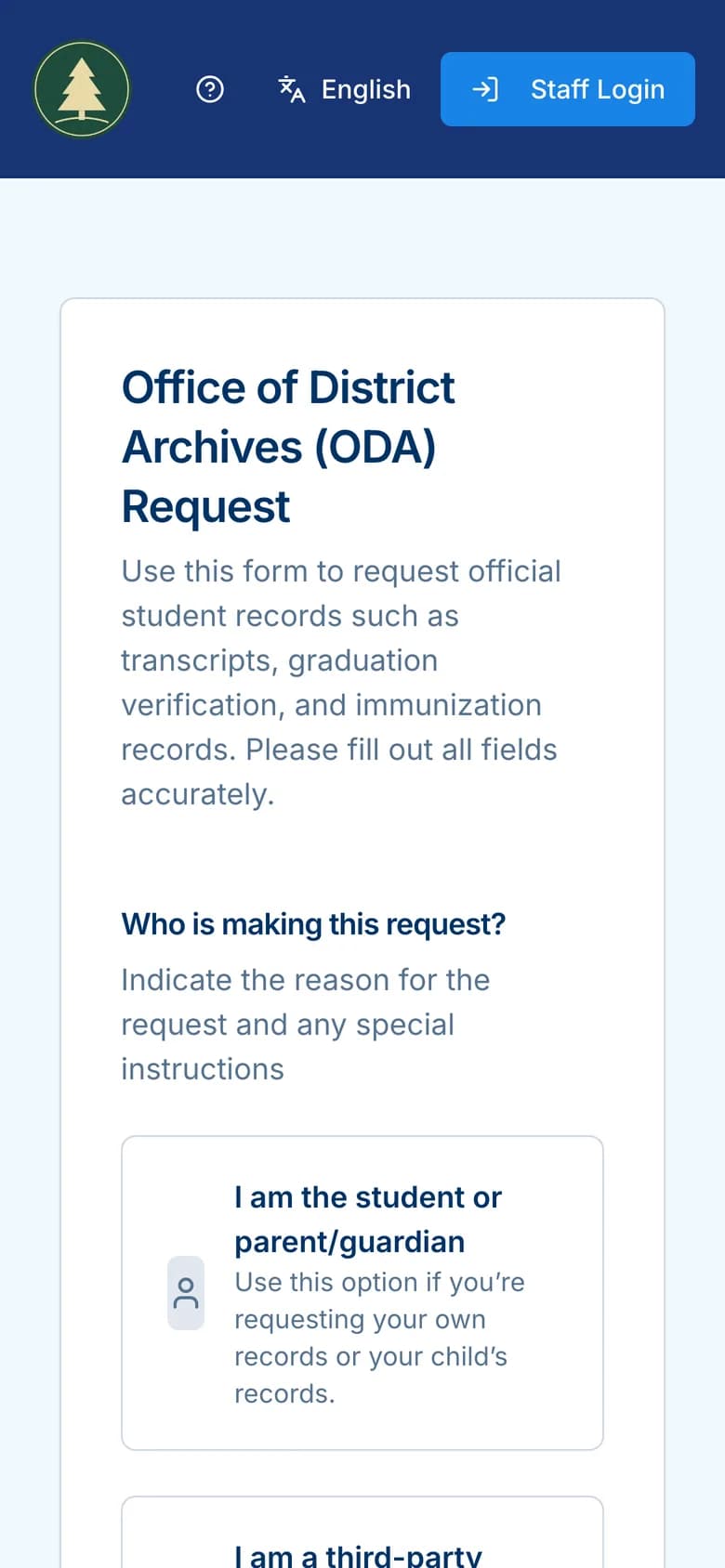
Former students, parents and guardians, and third parties order from a branded portal that works on any phone.
One price shown before checkout, with no convenience fees added
An expected-by date on every order, based on your institution’s calendar
“Email me a link to finish later” saves a request and resumes it
Updates in the requester’s language
Employer and background-check verification requests in the same portal
Sample district portal · fictional data
For requesters · Holds & delivery
No silent holds. No “delivered” that never arrived.
Plain-language hold reasons that say exactly what’s needed
A missing ID triggers reminders and upload from a phone, never an auto-cancel
Secure electronic delivery with a one-time code, plus mail, international mail and in-person pickup
Download receipts, USPS tracking for mail, and a free resend if mail is lost
Requesters re-send their own download codes and transaction IDs
Order #48213 · Official transcriptExpected by Nov 12
On hold: we need a photo ID. Upload it from your phone and your order stays open. We'll send a reminder.
State university admissions · Secure downloadOpened · receipt saved
Scholarship office · USPS mailTracking added
Lost your download code?Re-send it yourself
Illustrative example · fictional order
Payments
Every way people pay, with your fee rules built in.
Your institution sets the fees. Exchange shows them as one total up front and handles collection.
Card, bank transfer (ACH) or money order
Discount codes for programs and partners
Fee waivers for eligible requesters and no-cost records
Payout reports that show what was collected and returned
CheckoutNo added fees
Official transcript · secure download
$7.00
Official transcript · mailed copy
$9.00
Discount code applied
−$2.00
Total, shown before you pay
$14.00
Card
Bank transfer (ACH)
Money order
Fee waiver
Illustrative example · fees are set by each institution
For staff · Fulfillment
One queue for every department.
One queue across offices and schools, with routing and assignment
Several recipients consolidated into one transaction
Staff confirm the student’s name and date of birth before release
Reply templates sent in the requester’s language
Digitally signed PDFs for electronic delivery
Dashboards and payout reports for the records office
Staff sign in with Microsoft Entra ID (Azure AD) single sign-on
Records queue · All departmentsEntra ID sign-in
#48213 · Transcript · 2 recipientsConfirm name + DOB
#48217 · Adult-education recordsAssigned · Records Office
#48220 · Employment verificationSigned PDF sent
Reply template · sent in SpanishHola, su expediente está listo. Use el código de un solo uso para descargarlo.
Illustrative example · fictional requests
Compared with typical transcript services
Built around the complaints requesters actually make.
Public reviews of transcript ordering services tell the same stories: surprise fees, orders with no date, cancellations, lost mail. Exchange was designed to remove each one.
Common problems with typical transcript services compared with Transcend Exchange
Typical transcript services
With Transcend Exchange
PriceTypical: Processing and convenience fees appear late in checkout.
With Transcend: One price, shown before checkout. No convenience fees added.
TimingTypical: Orders sit at “pending” with no date.
With Transcend: An expected-by date on every order, based on the institution’s own calendar.
HoldsTypical: Orders are canceled when an ID is missing.
With Transcend: Plain-language hold reasons. A missing ID brings reminders and upload from a phone, never an automatic cancellation.
DeliveryTypical: “Delivered,” but the record never arrived.
With Transcend: Download receipts, USPS tracking for mail, and a free resend if mail is lost.
AccuracyTypical: The wrong student’s record goes out.
With Transcend: Staff confirm the student’s name and date of birth before release.
AccessTypical: Links expire and requesters start over.
With Transcend: Requesters re-send their own download codes and transaction IDs, and can save a request to finish later.
LanguageTypical: The experience is in English only.
With Transcend: Forms, updates and staff replies in any language your community needs, such as English, Spanish or Chinese. We add languages on request.
SupportTypical: Support that can’t be reached.
With Transcend: A person is always one request away, and staff get a guaranteed one-hour support response.
SystemsTypical: A separate system for each record type.
With Transcend: One portal for transcripts, adult-education and special-education records, and third-party verifications.
The left column summarizes common complaints about transcript services in general. It does not describe any particular company.
How it works
From request to proof of delivery.
One workflow for requesters and staff, from the first form to a receipt that shows the record arrived.
1
Request and verify
Requesters fill out a mobile-friendly form on your branded portal, upload ID and any signed release, and pay or apply a fee waiver. They see one price and an expected-by date before checkout.
2
Review and fulfill
Each request lands in one queue, routed to the right office or school. Staff confirm the student’s name and date of birth, attach the records and send to every recipient in one transaction.
3
Deliver and prove it
Records go out as digitally signed PDFs behind a one-time code, by mail or international mail, or for pickup. Download receipts and USPS tracking show what arrived.
Who it’s for
One request portal for every records office.
K-12 districts
Alumni transcripts, verifications, and adult-education and special-education records for former students, families and third parties.
Transcripts
Adult education
Special education
Verifications
Colleges & universities
Official transcripts and enrollment and degree verifications, delivered as digitally signed PDFs or by mail.
Official transcripts
Enrollment verification
Degree verification
County offices of education
Records for closed schools and county programs, from one portal requesters can actually find.
Closed schools
County programs
Verifications
The district model
No cost to the district. A person when you need one.
$0 to the district
Requesters pay the fees your institution sets, shown as one price up front. Exchange costs the district nothing.
A fee share returned
A share of request fees comes back to the district, with payout reports that show what was collected and returned.
Support in one hour
Staff get a guaranteed one-hour support response. Call 1-855-334-2935: an AI assistant answers and transfers you to a person on request, Monday–Friday, 8 a.m.–5 p.m. Pacific.
District fee calculator
$0 to your district. A share of every request comes back.
Requesters pay the fee, shown as one price before they check out. Your district pays nothing for Exchange, and a share of every request is returned to you. Enter your yearly volume to see what that means.
Your district, each year
$0
Cost to your district
$38,400
Returned to your district
Student and former-student requests
6,400
Third-party requests
1,600
Fees paid by requesters
$64,000
Example based on a typical Transcend fee schedule. Your district sets its own fees and its share with us. Mailing and other optional services are not included.
Move from paper or an older system without starting over.
We handle the transition with your team. For paper folders and microfiche, Data Decisions coordinates scanning with qualified partners.
1
Review your records
We look at where records live today, from filing cabinets and microfiche to older digital archives, and map document types, index fields and retention needs.
2
Organize and migrate
Data Decisions standardizes student identifiers and metadata, removes duplicates and applies OCR so imported documents are searchable.
3
Verify together
We review samples with your records team and share migration logs and exception reports before launch.
4
Launch with staff support
Role-based training for your staff and go-live support, backed by a guaranteed one-hour support response.
FAQ
Questions buyers ask
What does Transcend Exchange cost the district?
Nothing. Requesters pay the fees your institution sets, shown as one price before checkout with no convenience fees added, and a share of those fees is returned to the district. You can still offer fee waivers and discount codes.
Can we keep our existing systems?
Yes. Records can stay on your own servers or in your own cloud account while Transcend runs intake, routing and delivery, or Transcend can host them in its secure U.S. cloud. Staff sign in with their Microsoft Entra ID (Azure AD) accounts.
How long does setup take?
It depends on how many offices, request types and record sources you bring. We review your current process, set up your forms, fees, routing and delivery options with your team, verify together, then launch with training and go-live support. You get a dated plan after the walkthrough.
Who owns the records, and where are they hosted?
Your institution owns its records and decides what to release. You choose the architecture: Transcend’s secure U.S. cloud, your own cloud account or your own servers, with records centralized or kept by school.
Which languages can requesters use?
Any language your community needs. Forms, updates and staff reply templates appear in the requester’s language, for example English, Spanish or Chinese, and we add languages on request.
Hosting & architecture
Your records. Your architecture.
Your institution owns its records and decides what to release. Run Transcend in the setup your district prefers, and change it as your needs grow.
Hosted by Transcend
Our secure U.S. cloud
Encrypted at rest and in transit, backed up, with role-based access and audit logs. Nothing for IT to run.
Your cloud
Your own cloud account
Run Transcend in your institution’s Microsoft Azure, AWS or Google Cloud environment, under your own security policies.
On premises
Your own servers
Keep records in your data center and existing systems. Transcend connects to where your records already live.
Centralized or distributed
Organize records the way your district works.
Centralized
One records hub for the whole district, county office or consortium, with every school’s records in one place.
By school or department
Each school or office keeps its own records, with one request portal and one staff view across all of them.
See Exchange with your own request types.
In a free 15-minute walkthrough, we’ll show how Exchange would handle your offices, fees and delivery options, from the requester’s phone to your staff queue.